
Post
Corporate Video Lower Thirds in the UAE: Identify Speakers Clearly Across Every Format
A spokesperson appears in a company film, but the name graphic is too small to read on a phone. In another version, the job title wraps across the subtitles or describes a role the person no longer holds. Corporate video lower thirds in the UAE deserve their own preparation, because a short identification graphic carries factual information as well as the brand’s visual style.
A lower third is an on-screen graphic commonly used to identify a speaker or add brief context. It should help the viewer understand who is speaking without competing with the message. This guide focuses on preparing, approving and checking these graphics for company videos, with illustrative UAE examples rather than claims about completed client productions.
Decide what the viewer needs to know
Begin with the reason this person appears in the film. A customer testimonial may need a name, role and organisation. An internal staff briefing may only need a name and department. A training video may benefit more from the person’s operational responsibility than a long sequence of credentials. Keep the information relevant to the audience and the statement being made.
For example, a Dubai facilities company introducing its operations lead can identify the person in a way that explains their connection to the service. Adding every honorary designation may make the graphic harder to read without improving the viewer’s understanding. Agree the information hierarchy before designing the animation.
Verify names and titles in a shared record
Collect the exact approved spelling, job title, organisation and language versions before the edit is final. Identify who can confirm each entry. Do not infer a person’s title from a file name, an old email signature or a caption supplied for a previous event. A good-looking graphic can still be wrong, and correcting it late may affect several exports.
Keep approval attached to the wording
Use a simple speaker list with a reference for the approved text and any pronunciation or transliteration decisions relevant to the project. Mark missing confirmations clearly. If someone changes a role description during review, update the master list as well as the visible graphic. Otherwise the next language version may reuse the superseded wording.
Design a hierarchy that survives real names
Test the longest name and the longest legitimate title before approving the template. A layout that works for a short sample may fail when a UAE business has bilingual department names or a partner organisation with a lengthy formal name. Decide which line takes priority and how additional information can be shortened with approval.
Do not solve every overflow by shrinking the entire graphic. Try a sensible line break, a clearer hierarchy or an agreed shorter role description. Keep the template consistent enough to look intentional while allowing necessary variation. Forced uniformity can produce unreadable text or awkward gaps when the source information varies.
Reserve space in the actual picture
Adobe’s lower-third guidance explains the role of title-safe placement for identification graphics. Use the editor’s guides as part of the review, then check the actual delivery frame and viewing environment. A position that seems safe within a horizontal composition may not remain appropriate in a vertical adaptation.
Coordinate the graphic with the interview framing before filming where possible. If the speaker’s hands, a demonstration object or a relevant product occupies the lower part of the image, the graphic needs an intentional placement. Avoid covering information the viewer needs merely because the template normally sits in one corner.
Check the background behind the text
Review bright and dark frames, not only the still selected for the design presentation. A moving background can change readability during the identification. The team may choose a supporting panel, controlled contrast or another treatment that fits the identity. Test the chosen approach on representative footage rather than assuming an attractive colour combination is readable everywhere.
Plan for captions and platform interfaces
Name graphics, dialogue captions and platform controls can all occupy the lower part of a video. Make a composition that leaves each necessary element usable. If subtitles are supplied separately, review the intended caption presentation as well as the clean master. A graphic approved without captions may collide with them in the version customers actually watch.
For an Abu Dhabi company distributing a film on a website and social channels, list the required formats early. Check a horizontal master and the proposed vertical cut with their actual text and speaker placement. Do not assume that scaling one graphic proportionally is enough to produce a good second format.
Treat Arabic and English as designed versions
Confirm Arabic letter shaping, punctuation and the order of mixed-language names or abbreviations in the rendered output. Agree the relationship between the two languages: separate deliverables, a combined graphic or a format-specific decision. The correct choice depends on audience and available space, not on a rule that both languages must always appear simultaneously.
Use appropriate language reviewers to confirm names and organisational terminology. Link these decisions to the wider video localisation workflow, while keeping the speaker list easy for the editor to use. Do not present an unreviewed machine translation as a verified professional title.
Choose timing around reading and meaning
Show the identification when the audience can connect it to the person. Avoid placing it over a very brief cut or removing it before a viewer can comfortably read the longest entry. Test timing during normal playback on a phone, with the soundtrack and other on-screen information present.
Keep entry and exit movement proportionate to the film. A complex animation may delay the moment when the words become readable. Review whether it supports the brand and pace, especially when several speakers appear close together. Plan how returning speakers are identified so the film remains clear without unnecessary repetition.
Approve an export, not only the template
Check the final rendered text, spelling, line breaks, placement and timing in each required version. Confirm that the graphic identifies the correct person at the correct moment and that later edits have not moved it onto another shot. Review a file at its intended playback size rather than enlarging the editing preview until every letter is comfortable.
Keep the approved speaker record with the project handover so future updates can be checked against it. If your company is preparing interviews, testimonials or a multi-speaker film, contact Infiniti’s video production team with the speaker list, languages and destinations. Accurate identification can then be planned before the last export becomes urgent.
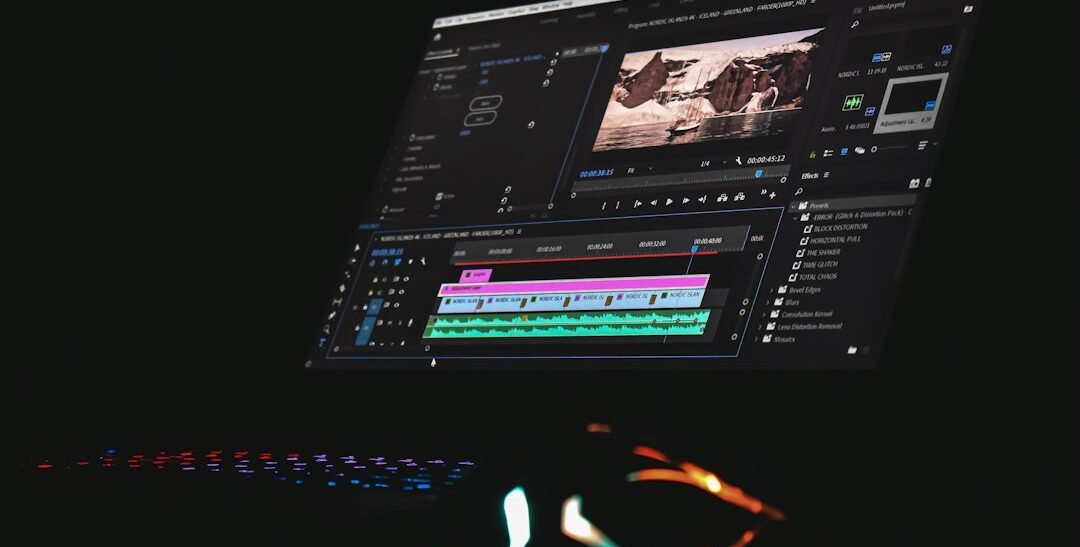
Illustrative editing workspace photo: Sanjeev Nagaraj on Unsplash.